

What to Consider When Choosing a Laptop for Office and Business Use
Introduction
Choosing the right laptop for office and business use can be tough. With so many models and specs, it’s important to know what you need before buying.
A good office laptop should deliver reliable performance for daily tasks. This includes documents, spreadsheets, presentations, emails, video meetings, web browsing, and business applications. For business users, key factors include portability, battery life, connectivity, storage, and durability.
In this guide, we’ll cover the main points to consider when choosing the best laptop for office and business use. We'll discuss the processor, RAM, SSD storage, display, battery life, portability, connectivity, and budget.
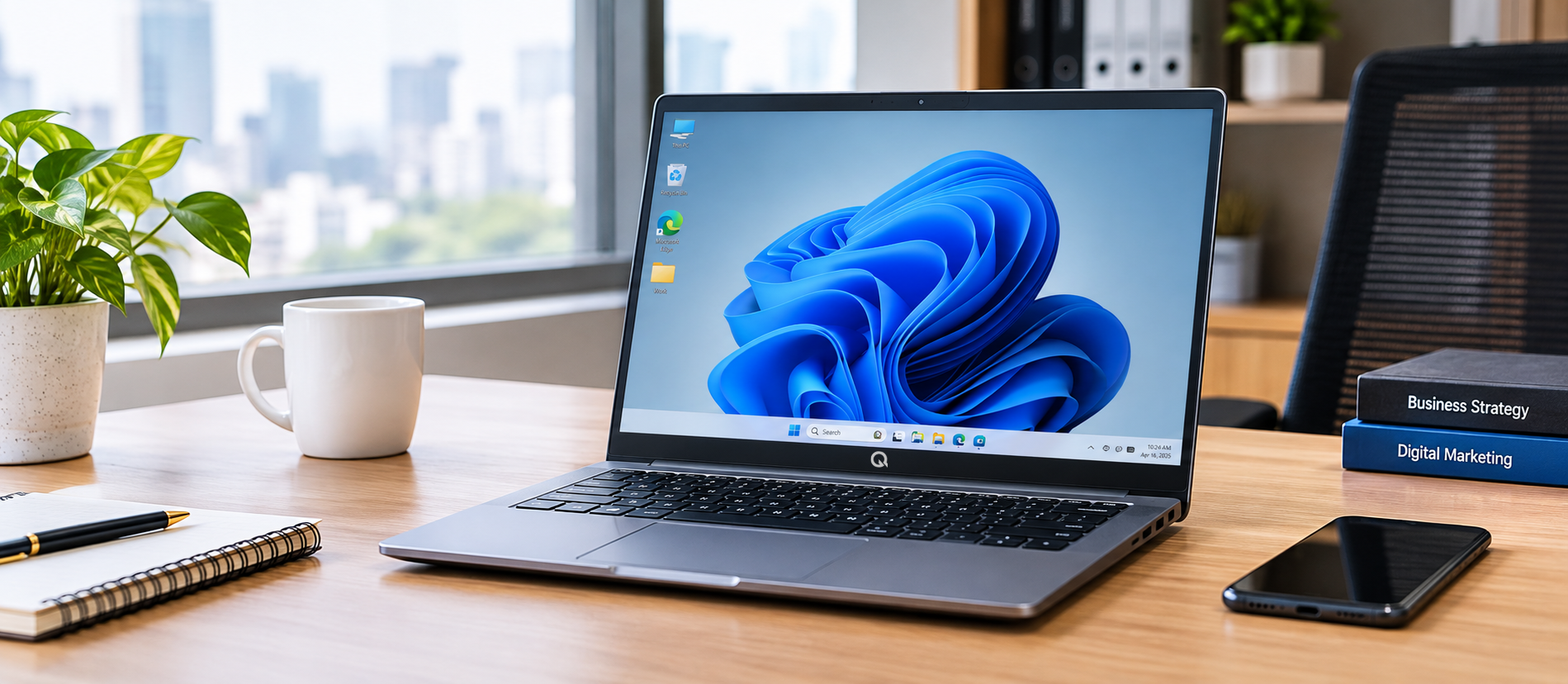
1. Understand Your Work Requirements
Before choosing a laptop, first understand how you plan to use it.
Office professionals may mainly use a laptop for:
- Microsoft Office applications
- Emails and web browsing
- Word processing
- Excel spreadsheets
- PowerPoint presentations
- Video conferencing
- Business software
- Online meetings
- Managing documents and files
Business users often need portability, reliable performance, ample storage, and various connectivity options.
Users, including students, use laptops for:
- Online classes
- Research
- Entertainment
- General tasks
Knowing your daily needs can help you select a laptop with the right specs. This way, you avoid paying for unnecessary features.
2. Choose the Right Processor
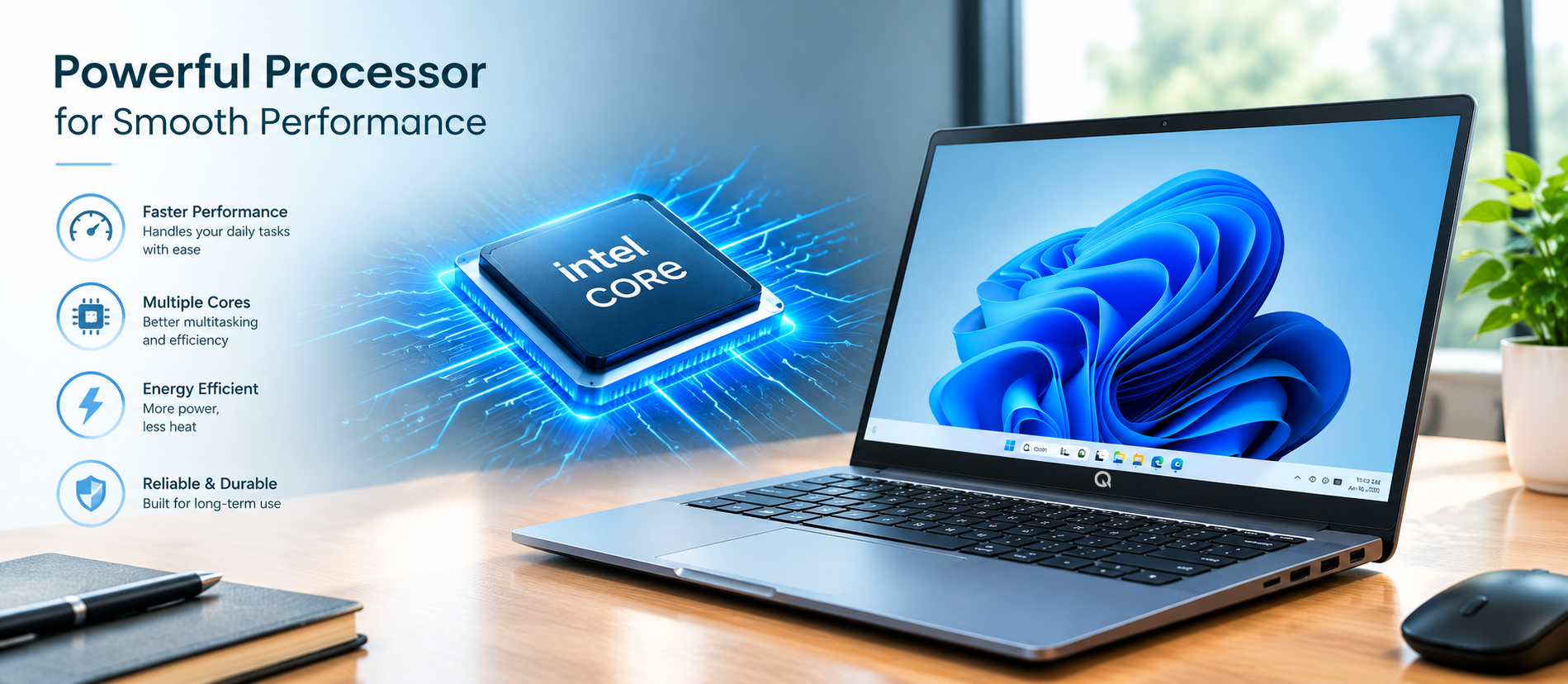
The processor is one of the most important components of a laptop. It handles instructions and affects how smoothly applications and everyday tasks run.
For basic office work, you generally don't need the most powerful processor available. However, choosing a modern processor can provide better performance and help the laptop remain useful for a longer period.
When comparing laptops, consider:
- Processor generation
- Number of cores
- Processing speed
- Power efficiency
- Performance requirements of your applications
For standard office tasks, a modern Intel Core or AMD Ryzen processor is sufficient. It handles documents, web browsing, presentations, and business apps well.
If you use demanding applications, large spreadsheets, or heavy workloads, you may need a more powerful processor.
Tip: Don't choose a laptop based only on processor speed. Look at the complete configuration, including RAM, storage and battery.
3. How Much RAM Do You Need?
RAM, or Random Access Memory, helps your laptop handle multiple applications and tasks at the same time.
You might have a browser with many tabs open. At the same time, you could be working on an Excel spreadsheet, attending a video meeting, and checking your email.
The amount of RAM you need depends on your workload.
8GB RAM
8GB RAM can be suitable for many everyday tasks, including:
- Web browsing
- Office applications
- Online meetings
- Documents
- Presentations
- General productivity
16GB RAM
16GB RAM can be useful if you regularly:
- Multitask with many applications
- Work with large spreadsheets
- Use demanding business software
- Keep many browser tabs open
- Work with larger files
For most office users, 8GB is a good start. However, those who multitask heavily may need 16GB or more.
4. Choose SSD Storage
Storage is another important factor when buying an office or business laptop.
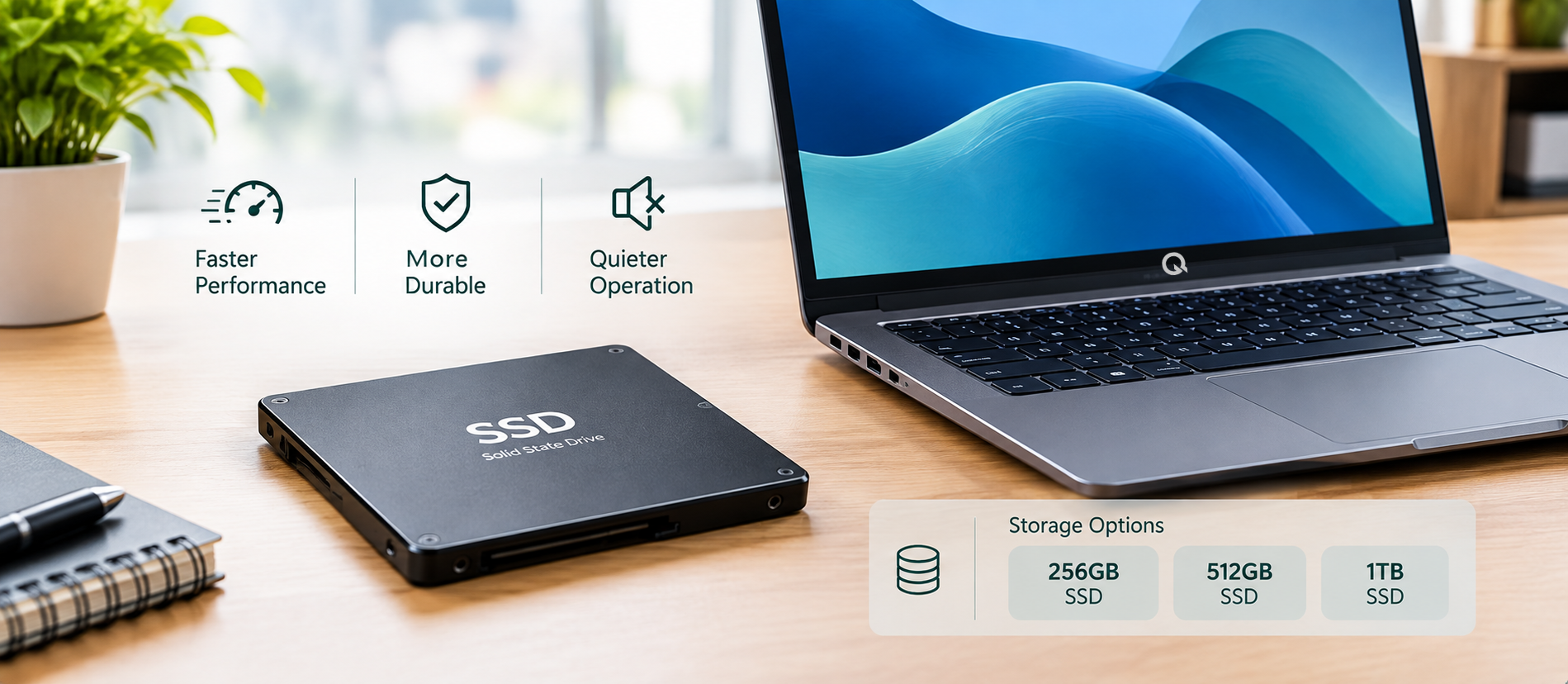
Modern laptops commonly use SSD (Solid State Drive) storage. SSDs are usually faster than traditional hard drives. This leads to quicker startup times and faster access to applications and files.
Common storage capacities include:
- 256GB SSD
- 512GB SSD
- 1TB SSD
A 256GB SSD can be suitable for users who mainly work with documents, online applications and cloud storage.
If you store many videos, large project files, software applications or other large files locally, a 512GB or 1TB SSD may be more appropriate.
Tip: Consider both your current storage needs and how much storage you are likely to need in the future.
5. Consider the Laptop Display
You will spend many hours looking at your laptop screen, especially when using it for office work.
When choosing a display, consider:
- Screen size
- Resolution
- Brightness
- Viewing comfort
- Display quality
- Screen type
A Full HD (1920 × 1080) display is great for office users. It offers clear details for documents, spreadsheets, websites, and presentations.
A 14-inch laptop offers a nice mix of screen size and portability. But if you need more workspace, larger displays can be helpful.
Think about where you normally work. If you frequently carry your laptop between home, office and meetings, a smaller and lighter display may be more convenient.
6. Portability Matters for Business Users
Portability is particularly important for professionals who travel or move between different workplaces.
A lightweight laptop can be easier to carry to:
- Office meetings
- Client meetings
- Business trips
- College
- Work-from-home locations
- Presentations
Before buying a laptop, check its weight and dimensions.
A laptop that provides a good balance between screen size, performance and weight can make everyday work more convenient.

7. Check Battery Life
Battery life is another important consideration for office and business users.
A laptop with good battery performance can help you work when you are away from a power outlet.
Battery requirements depend on how you use the laptop. Someone who works mainly at a desk may not need the same battery capacity as someone who frequently travels.
When comparing laptops, consider:
- Battery capacity
- Expected usage
- Charging time
- Power efficiency
- Types of applications you use
Actual battery life can vary based on screen brightness, apps, network use, and other settings.
8. Check the Ports and Connectivity
Ports are often overlooked when buying a laptop, but they can be very important for office work.
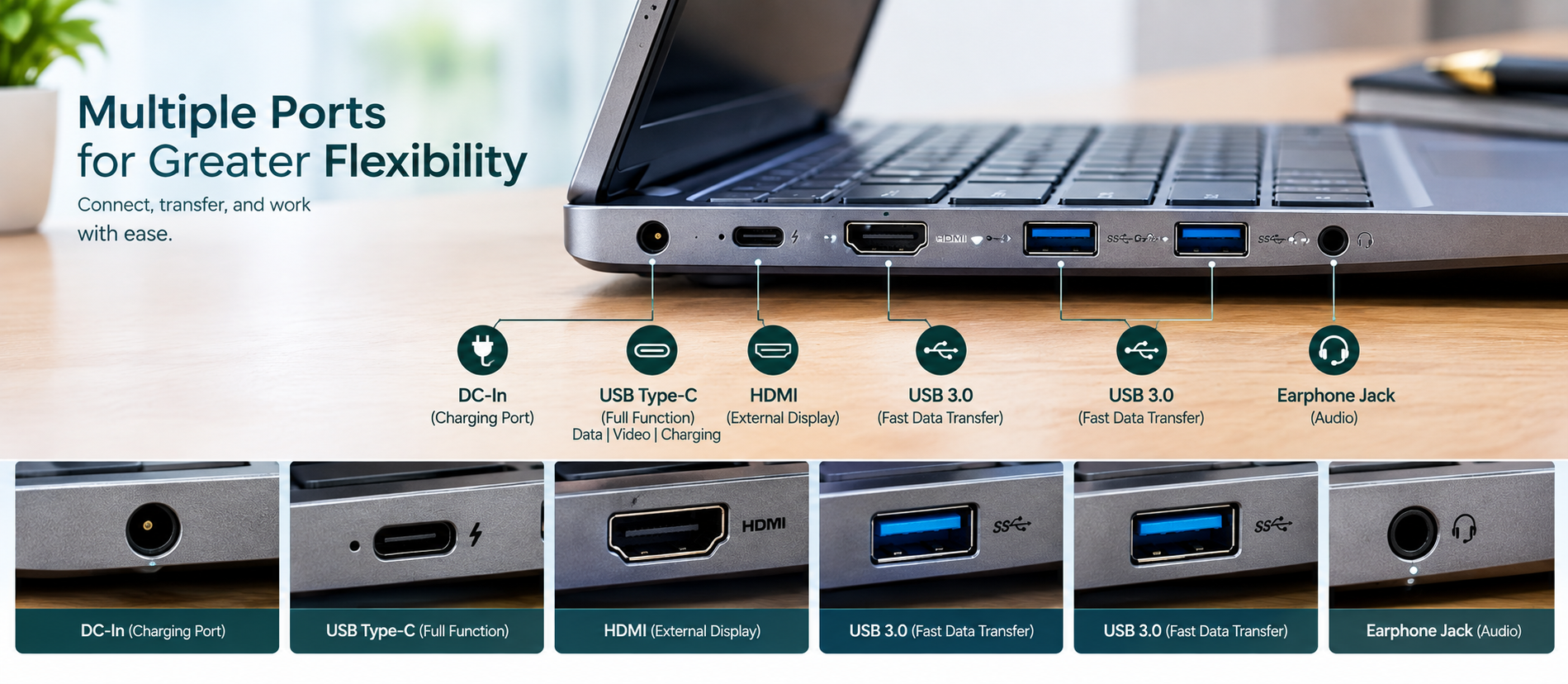
Depending on your requirements, you may need:
- USB ports
- USB Type-C
- HDMI
- Headphone/earphone connection
- Wi-Fi
- Bluetooth
For example, HDMI can be useful when connecting your laptop to a projector or external display for presentations.
USB ports can be useful for connecting:
- Mouse
- Keyboard
- USB drives
- External storage
- Other accessories
Before purchasing a laptop, check that it provides the ports you actually need.
9. Don't Forget the Keyboard and Webcam
A good keyboard really helps when you type emails, reports, and documents for hours.
When choosing an office laptop, consider:
- Keyboard layout
- Key spacing
- Typing comfort
- Touchpad quality
- Webcam quality
- Microphone
The webcam is particularly useful for online meetings, video conferences and virtual presentations.
For those who work from home or chat with clients online, these features are important.
10. Choose a Laptop According to Your Budget
Budget is one of the biggest factors when buying a laptop.
Don’t just pick the cheapest or most expensive option. Compare the specs with what you really need.
Consider the value provided by:
- Processor
- RAM
- SSD storage
- Display
- Battery
- Build quality
- Portability
- Connectivity
- Warranty
A laptop that meets your daily needs offers better value than one with unnecessary features.
11. Business Laptop vs Regular Laptop
A business laptop and a regular everyday laptop can perform many of the same basic tasks, but the intended use can be different.
A business user may place more importance on:
- Portability
- Reliable performance
- Connectivity
- Professional design
- Battery performance
- Security features
- Long-term usability
- Warranty and support
A regular laptop is good for users who need basic tasks. This includes browsing, entertainment, education, and everyday computing.
The right choice depends on your workload and requirements.
12. Think About Your Future Requirements
When purchasing a laptop, don't only think about what you need today.
Consider how you might use the laptop over the next few years.
For example, you might use your laptop now for simple documents and browsing. Later, you may need it for larger spreadsheets, more apps, or extra files.
Choosing an appropriate processor, sufficient RAM and adequate SSD storage can help you avoid upgrading too soon.
A laptop should be selected based on both your current workload and your expected future requirements.
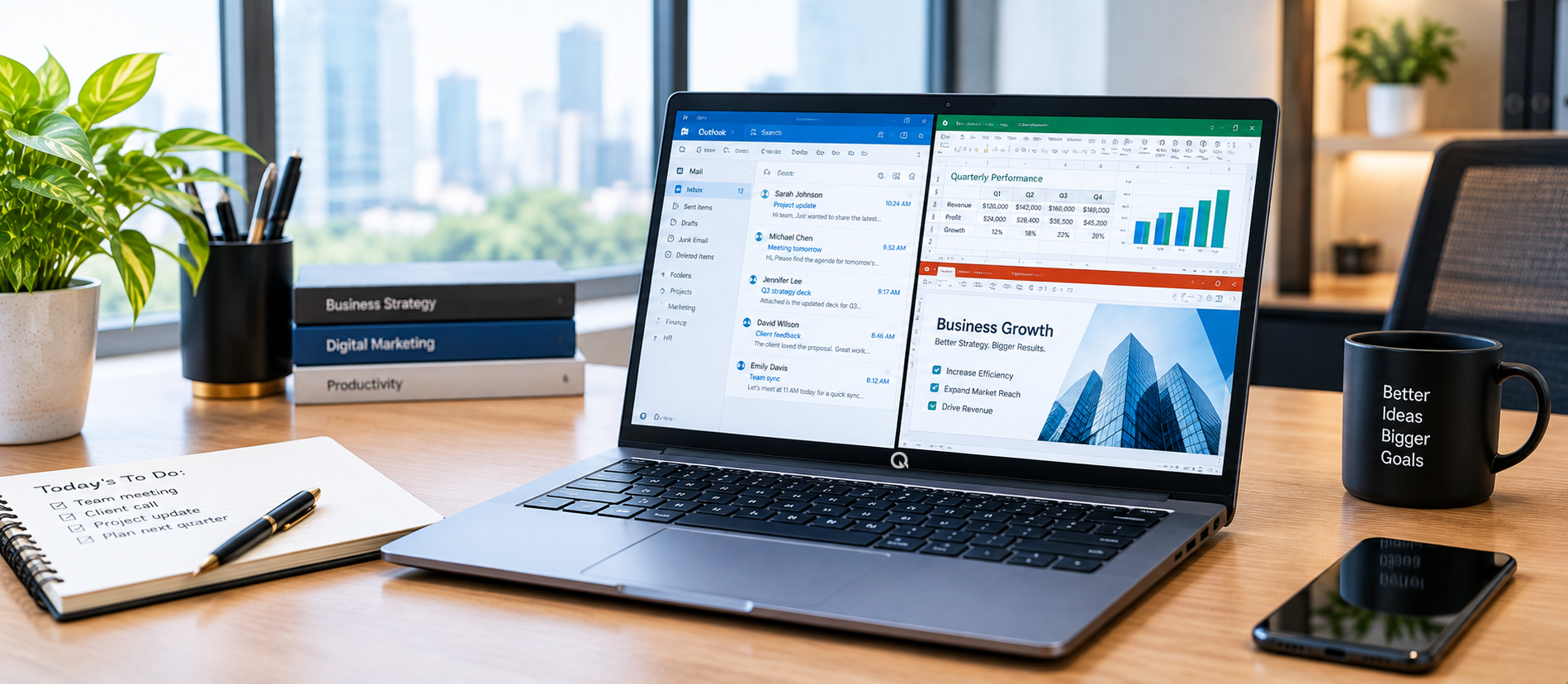
Laptop Buying Checklist
Before buying a laptop for office or business use, check the following:
- Processor fits your workload
- Enough RAM for your apps
- Sufficient SSD storage
- Display size and resolution you like
- Good battery capacity
- Lightweight and portable
- Necessary USB and Type-C ports
- HDMI for presentations, if needed
- Comfortable keyboard and touchpad
- Webcam and mic for online meetings
- Compatible operating system
- Warranty and support available
- Price matches your budget
Frequently Asked Questions
What is the best laptop for office work?
The right laptop depends on your work requirements. For daily office tasks, choose a modern processor. Ensure you have enough RAM and SSD storage. A comfortable display is important, too. Good connectivity and decent battery life matter as well.
Is 8GB RAM enough for office work?
For many basic office tasks, 8GB RAM can be sufficient. Users who regularly multitask with demanding applications or large files may prefer 16GB or more.
Is SSD better for an office laptop?
SSD storage provides fast data access and can help improve startup and application loading times. It is a common choice for modern laptops.
Is a 14-inch laptop good for business use?
A 14-inch laptop strikes a good balance between portability and screen space. This makes it great for many professionals who work both in and out of the office.
What ports should an office laptop have?
The ports you need depend on your accessories and workflow.
USB, USB Type-C, and HDMI are excellent for connecting:
- Peripherals
- Storage devices
- Projectors
- External displays
Choosing the best laptop for office and business use isn’t just about price. The best choice fits your workload, budget, and daily needs.
Before buying, compare the processor, RAM, SSD storage, display, battery, portability and connectivity. Also consider how your requirements may change in the future.
Understanding these specs helps you make a better choice. You can find a laptop that boosts your productivity at work, home, or while traveling.
Explore Q Technologies
Looking for a laptop for office, business or everyday computing?
Check out Q Technologies' laptops to find the right setup for your work and daily needs.